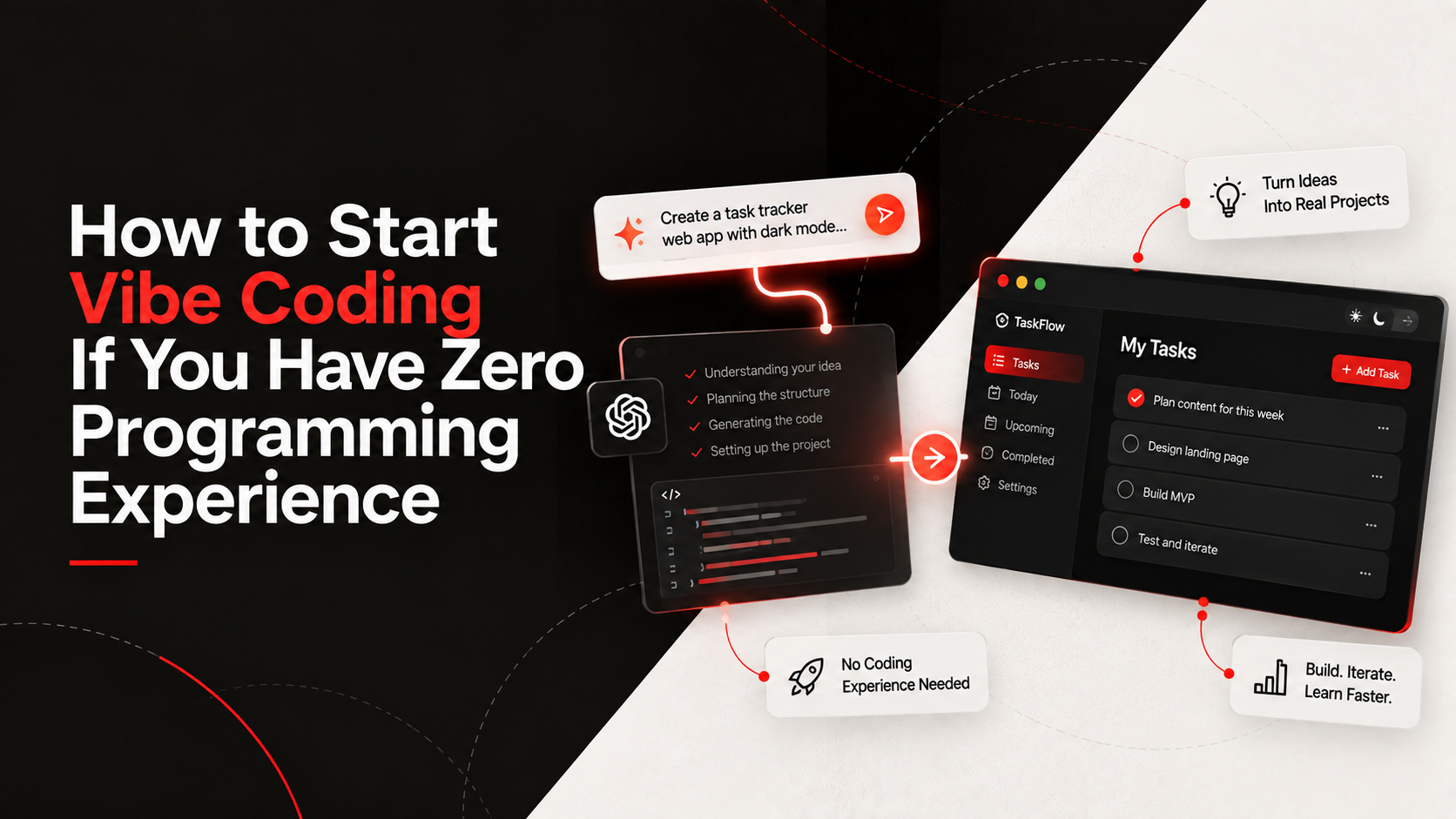
How to Start Vibe Coding If You Have Zero Programming Experience
You have a great idea for an app, but you don't know how to write a single line of code. Five years ago, your options were to spend $15,000 hiring an agency, spend a year learning JavaScript, or give up.
Today, you have a fourth option: Vibe Coding.
Vibe coding (or AI-assisted development) is the process of using natural language prompts to guide AI models to write code for you. You act as the director; the AI acts as the production crew.
But here is the harsh truth that many online gurus gloss over: zero knowledge will not take you very far. While absolute beginners can use vibe coding to rapidly prototype an idea or build a functional MVP (Minimum Viable Product) to validate a concept, you will eventually hit a wall. When complex bugs arise or the architecture needs to scale, lacking a basic understanding of programming fundamentals becomes a major bottleneck. The goal isn't to skip learning to code; the goal is to learn while building.
You can't just type "build me the next Facebook" and expect a working app. You need a system. Here is how you can start building your first project and developing those crucial fundamentals.
1. Define the Smallest Possible MVP
Beginner coding projects fail because the scope is too big. Do not start by building a massive social network.
Start with a single-feature utility. Build a habit tracker, a simple to-do list, or a tip calculator. Your goal right now is not to build a billion-dollar startup; your goal is to learn the workflow of prompting for code and getting a functional result on your screen.
2. Talk to the AI Like a Literal Toddler
When prompting an AI coding assistant (like Cursor, ChatGPT, or Claude), ambiguity is your enemy.
If you say, "Make the button look cool," the AI will guess. Instead, say, "Create a button with a blue background, white text, rounded corners, and a slight shadow when I hover over it."
Break your app down into atomic steps:
- "First, build the HTML structure for a basic form."
- "Next, write the CSS to center it on the page."
- "Finally, write the JavaScript to make the submit button show an alert."
3. Read the Code (Even if You Don't Understand It Yet)
This is the secret to actually learning web development basics while vibe coding.
When the AI generates a block of code, do not just copy-paste it blindly. Look at it. Ask the AI, "Can you explain what this specific function does line by line?" By doing this, you organically pick up coding fundamentals. You start recognizing how HTML structures content, how CSS styles it, and how JavaScript makes it interactive.
4. Debugging AI-Generated Code
The AI will make mistakes. It will give you code that throws errors. This is completely normal.
When your app breaks, do not panic. Simply copy the error message from your browser console or terminal, paste it back to the AI, and say, "I got this error when I clicked the button. How do we fix it?" The AI is excellent at debugging its own mistakes.
If you want to take this seriously and learn how to build production-ready apps using AI, this is exactly what we teach in our ELEVATE program.

Sukhsagar Singh
Co-founder & Lead Educator
Sukhsagar focuses on the infrastructure—both technical and educational. He ensures our client systems are robust and our academy curriculum produces practitioners who can actually build.
Frequently Asked Questions
Looking for personalized project roadmap?
Book a call & let's discuss this out


Keep Reading
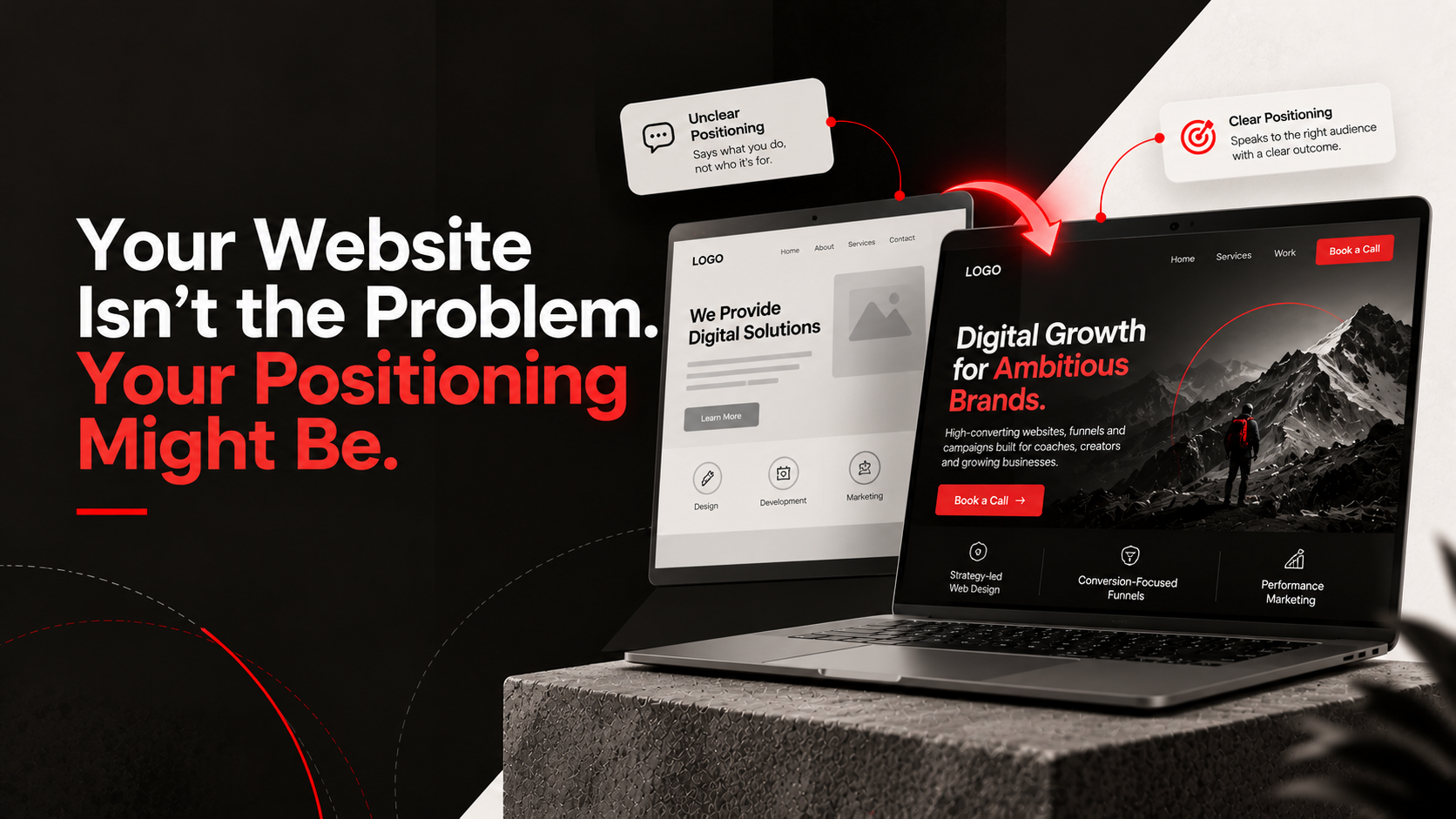
Your Website Isn't the Problem. Your Positioning Might Be.
A beautiful website won't save a confusing brand. Learn why your positioning, messaging, and value proposition matter more than aesthetics.
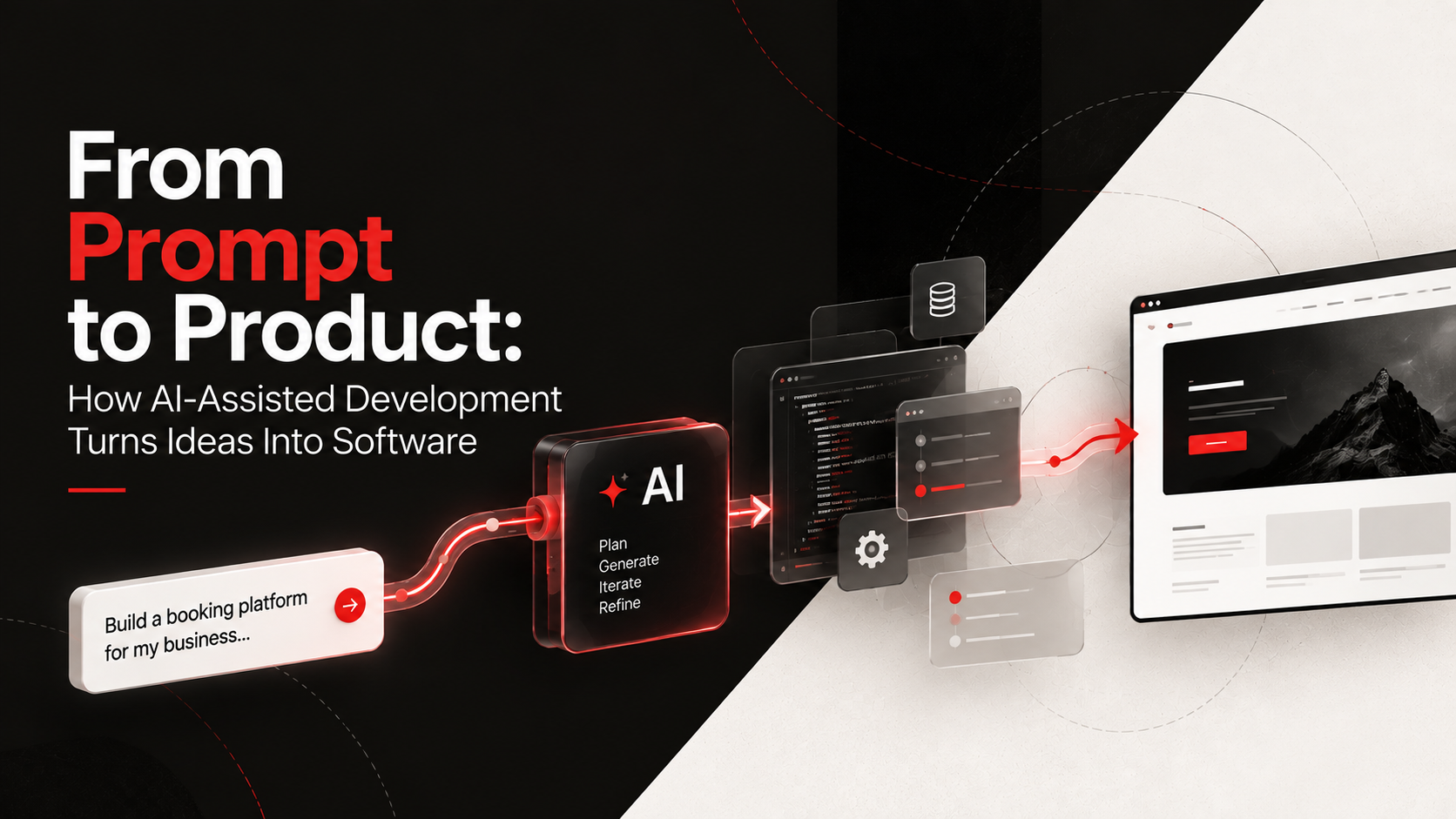
From Prompt to Product: How AI-Assisted Development Turns Ideas Into Software
Learn how modern developers use AI-assisted coding and vibe coding to turn ideas into fully functional software at record speed.

Pretty Websites Don't Convert. Clear Websites Do: A Conversion Audit
Before you spend thousands on a website redesign, run this practical website conversion audit to identify and fix hidden friction points.
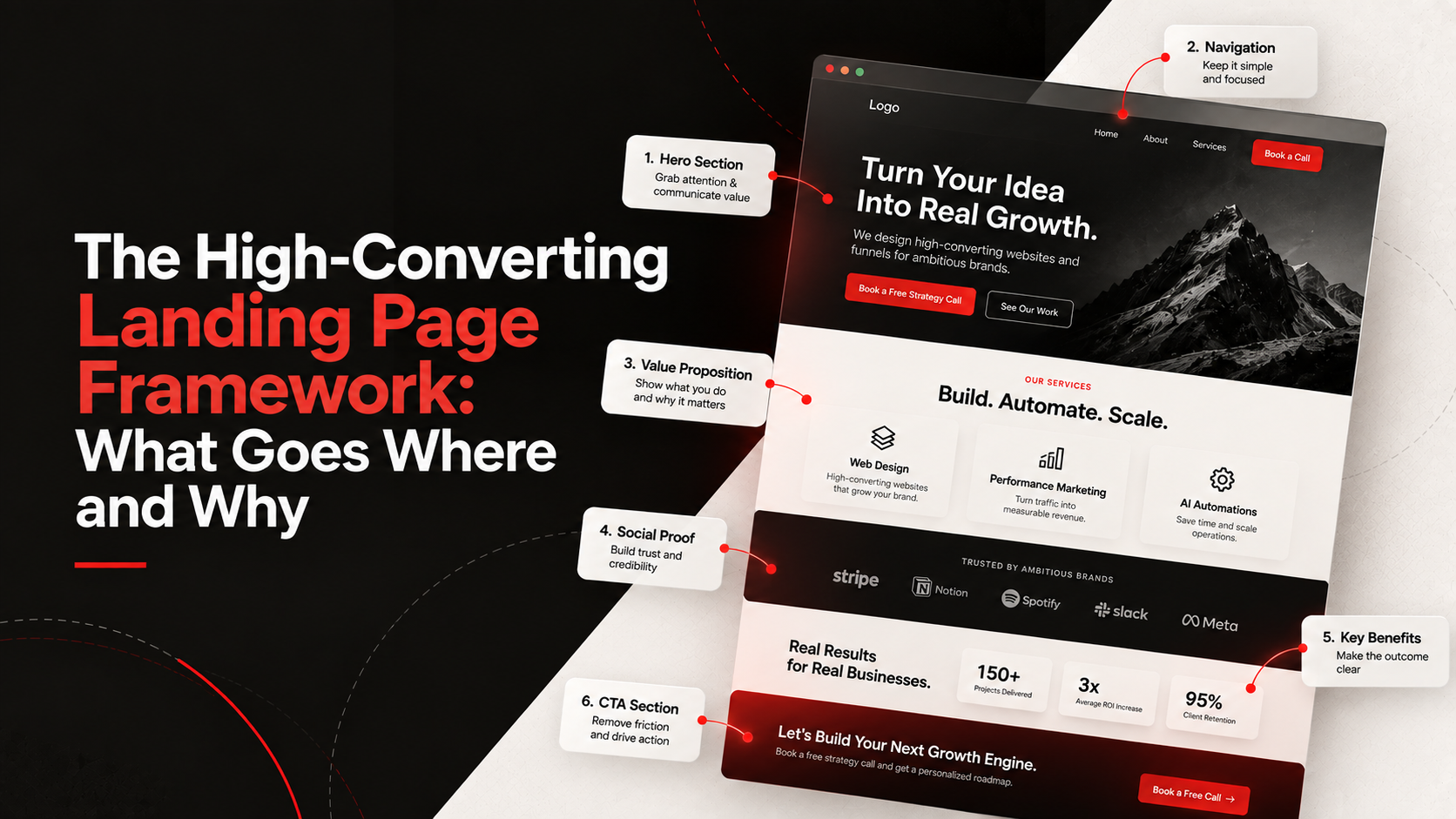
The High-Converting Landing Page Framework: What Goes Where and Why
Stop guessing what to put on your landing pages. Here is the exact structure we use to turn cold traffic into qualified leads.
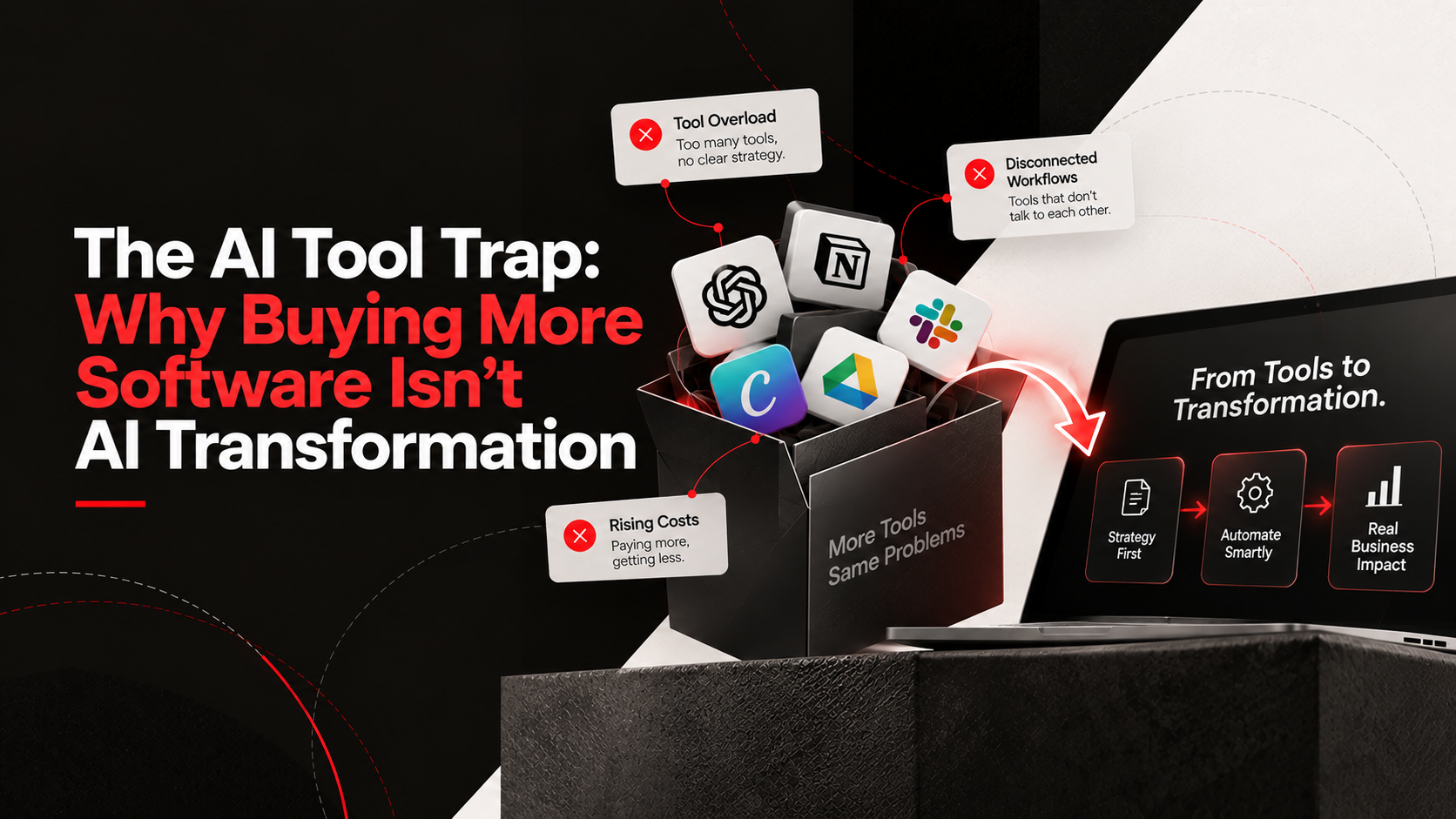
The AI Tool Trap: Why Buying More Software Isn't AI Transformation
Stop buying AI subscriptions you don't need. Learn why real business process automation starts with strategy, not just more software.